
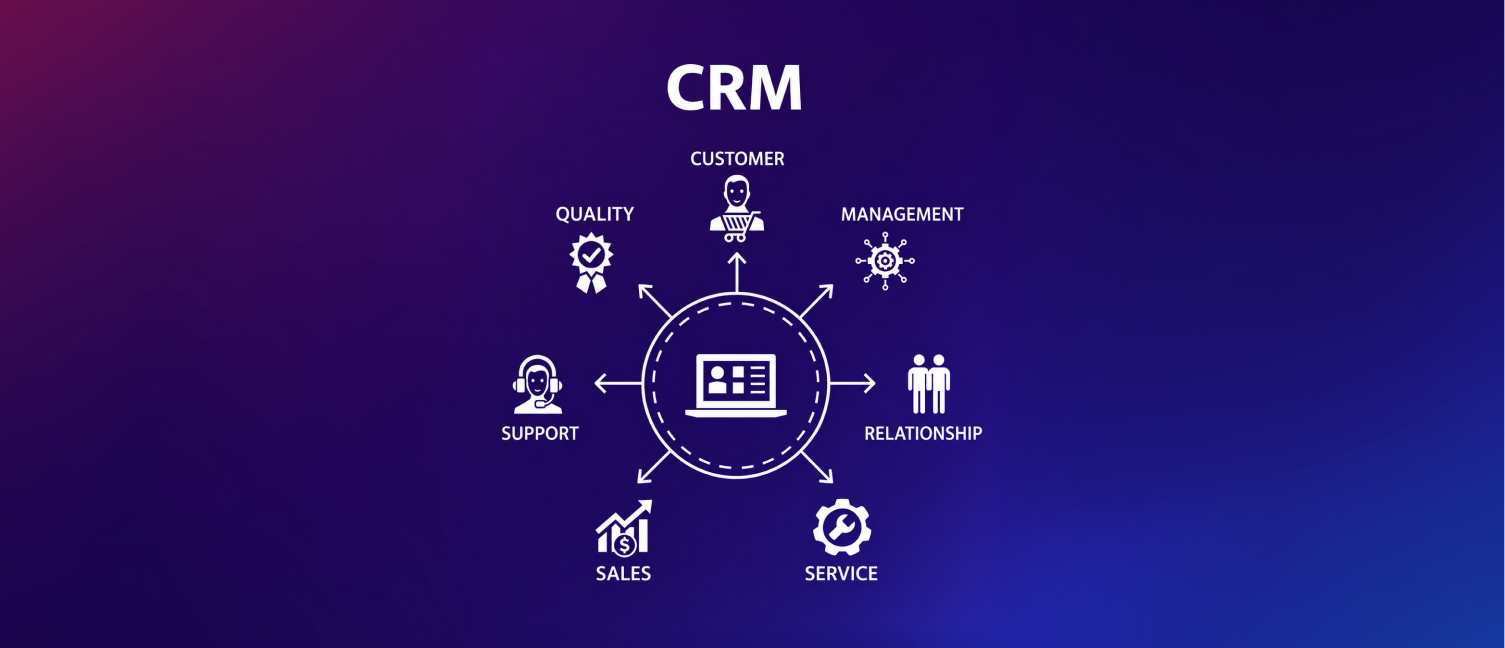
With the growth of organizations, manual tracking and handling of leads and sales processes become more and more challenging. Sales people usually find themselves spending a lot of time doing routine work such as entering information and updating status reports rather than making sales. That’s when the best sales automation CRM becomes crucial. With its help, you’ll be able to automate all repetitive tasks, work in an optimal way, and increase your efficiency and productivity.
At the same time, it should be noted that not all CRMs can provide automation functions. In order not to waste money on something unnecessary, it will be reasonable to learn about the advantages of different CRMs.
Why Sales Automation Matters
Most sales teams experience several issues which may affect their productivity and conversion rates.
Such problems include:
Lead assignment done manually
Failure to follow up
Boring administrative tasks
Poor sales process
No visibility of sales processes
Handling increasing leads
If sales staff are spending too much time doing administrative tasks, then they will have little time for prospecting and closing deals.
Automation of the sales process solves these issues by having them performed seamlessly and automatically.
What Is a Sales Automation CRM?
The sales automation software is a type of CRM software, which automatically completes repetitive tasks, manages leads, customer interactions, and automates follow-ups to simplify sales processes.
Instead of spending time and effort performing these processes manually, you can automate them, including:
Lead capturing
Lead assignments
Reminders
Task creating
Pipeline updating
Notifications
Activity tracking
Automated Lead Capture and Assignment
Automatic Lead Capture and Assignment
CRM systems must have the capacity to capture leads from a variety of sources, such as:
Web forms
Landing pages
Social media marketing
Inquiries via email
Ad campaigns
When a lead has been captured, it is then assigned automatically to the right salesperson based on criteria such as location, product preference, or workload.
This cuts down response time and minimizes the chance of any lead being overlooked.
Workflow Automation for Repetitive Tasks
One of the main benefits of crm workflow automation is the elimination of repetitive manual efforts.
Here are a few examples of automated efforts in a CRM system:
Creating follow-ups
Assigning leads to relevant people
Updating deal status
Sending notifications internally
Initiating communication with customers
Smart Follow-Up Management
One of the major reasons that opportunities go missed is because of failed follow-ups.
The best CRM for sales automation should have functionalities to ensure that the team stays ahead of all interactions without having to depend on memory or excel sheets.
Some key features that you should be looking at are:
Automated reminders
Task scheduling
Follow-up monitoring
Notifications
Escalations
Looking for a smarter way to manage sales activities?
Workpex helps businesses automate follow-ups, assign leads, and streamline daily sales operations, so teams can focus on closing deals instead of managing manual tasks.
Sales Pipeline Automation
A good CRM will enable teams to handle opportunities better.
Through sales automation tools CRM capabilities businesses can automate parts of the sales pipeline, including:
Creating a deal
Moving it through various stages
Assigning tasks
Recording activities
Sales notifications
This keeps the momentum going during the sales process, thus preventing any deals from getting stuck.
Reduce Missed Follow-Ups with Pipeline Automation
Each company has its own sales process. Therefore, being flexible in choosing a CRM becomes extremely important.
The best CRM automation features give companies an opportunity to modify workflows according to their needs.
Includes:
Customized sales stages
Approval workflow automation
Lead scoring criteria
Automation of tasks
Notification triggers
This customization guarantees that the automation process fits into your current workflow and does not make you adjust to its rigid process.
Activity Tracking and Performance Visibility
It shouldn’t be achieved at the expense of transparency.
An effective CRM tool should provide managers with insights into:
Activity of leads
Performance of sales
Tasks pending
Status of follow-ups
Flow of pipeline
In this way, they can identify areas where there is inefficiency and intervene where needed.
Mobile Accessibility for Sales Teams
The majority of salespeople operate either remotely or frequently engage with customers away from the office premises.
The CRM system for sales team must include mobile access capability, whereby sales personnel are able to:
Update lead information
Obtain customer records
Make appointments
Monitor leads
Access sales activities
Mobile access facilitates quick updates without waiting to go back to one’s desk.
Reporting and Analytics
Sales automation will be more productive when businesses are able to measure their performance.
Automated sales CRM systems should offer reports on the following:
Conversions
Sources of leads
Sales cycle time
Value of the pipeline
Productivity of the sales team
Revenues
By doing this, the business will be able to enhance its sales strategy.
Common Mistakes to Avoid When Choosing a CRM
In the assessment of the CRM software package, companies tend to pay attention to the number of features rather than to their usefulness.
It should be avoided when selecting CRM solutions if the solution is:
Difficult to operate
Requires a lot of manual maintenance
Can be customized insufficiently
Does not allow for reports generation
Does not include automation functionality
Burdensome for its users
A more efficient platform should be chosen.
How Sales Automation Improves Productivity
Sales automation does not merely mean less work. Sales automation is about ensuring that teams get to work on things that generate income.
Sales automation allows companies to:
React faster to leads
Generate consistent follow-ups
Save time on administration
Make their teams more productive
Enhance customer experiences
Fast-track the sales process
All of these changes could make an immense difference in terms of generating conversions and sales in general.
Conclusion
Selecting the best sales automation CRM is not just about comparing features. Rather, companies need to select a CRM system that allows them to minimize their efforts, increase visibility, and become more efficient with their sales processes.
Some of the features, like lead assignment automation, workflow automation, follow-ups, pipeline monitoring, analytics, and mobile access, would allow a company to operate more efficiently.
Ultimately, this would make the sales process more effective while increasing the productivity of a business.
Ready to Automate Your Sales Process?
Workpex CRM offers automated features such as lead management, follow-ups, and sales pipeline visibility.
If you need to cut down on unnecessary tasks or increase productivity and efficiency, Workpex CRM has everything that you require.
Book a demo today and discover how Workpex can help your team achieve more with sales automation.